A few letters will do.
Search app names, package names, and translated labels. Typos, abbreviations, and Korean initials work, too.
chorme→Chromeㅅㅈ→Settingswork→Your custom alias Over Action
A little shortcut for Android
Your apps, a few letters away. Tap a floating button, type what comes to mind, and get right to it.
Android 8.0+ English & 한국어 On-device search
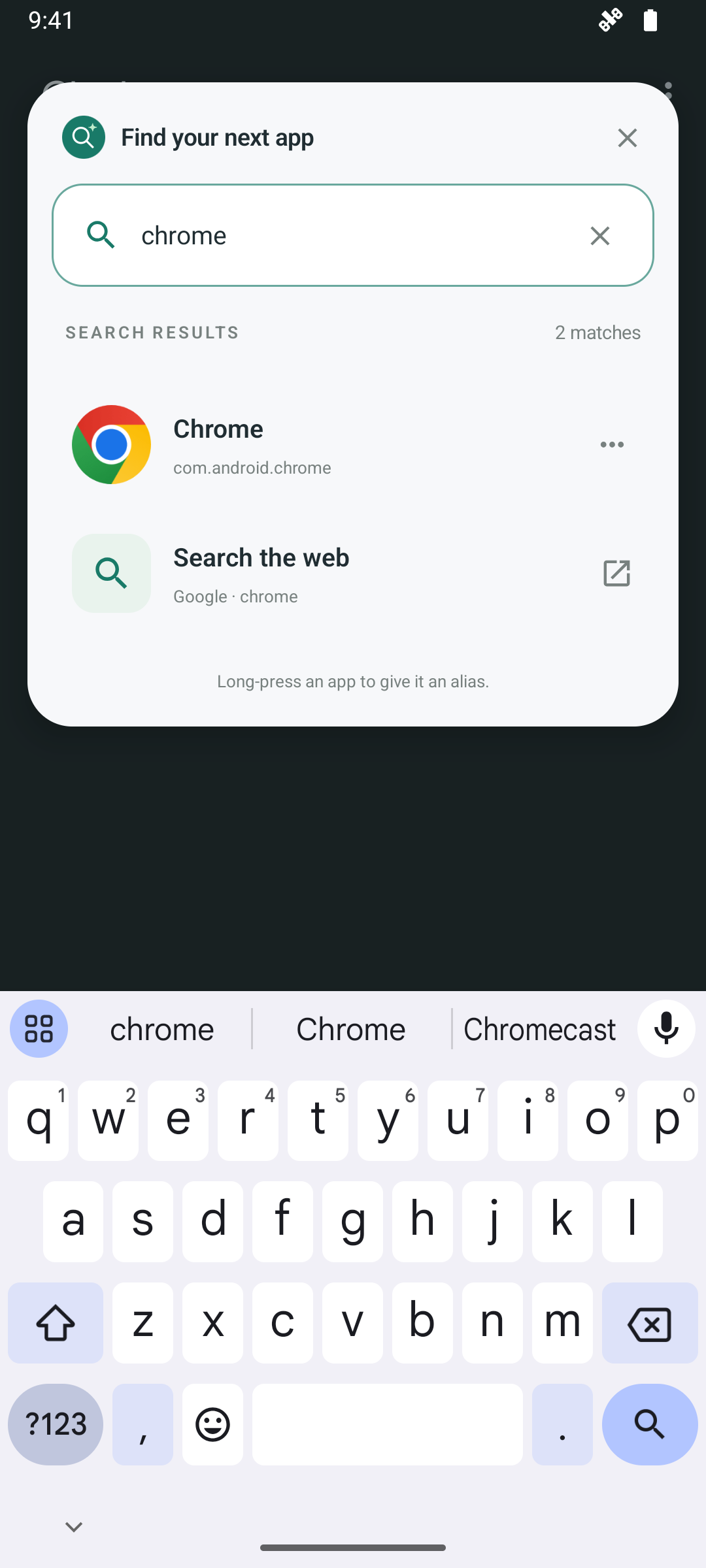
Type a little. Find your app. Carry on.
Small button. Everyday possibilities.
Search app names, package names, and translated labels. Typos, abbreviations, and Korean initials work, too.
chorme→Chromeㅅㅈ→Settingswork→Your custom aliasUse the floating button, a home screen widget, Quick Settings, or a notification. Optional accessibility shortcuts put search one gesture away.
Open a web address in your browser, search the web with your chosen engine, or do a quick calculation without leaving search.
/calc 2 + 3 * 414Calculated on your device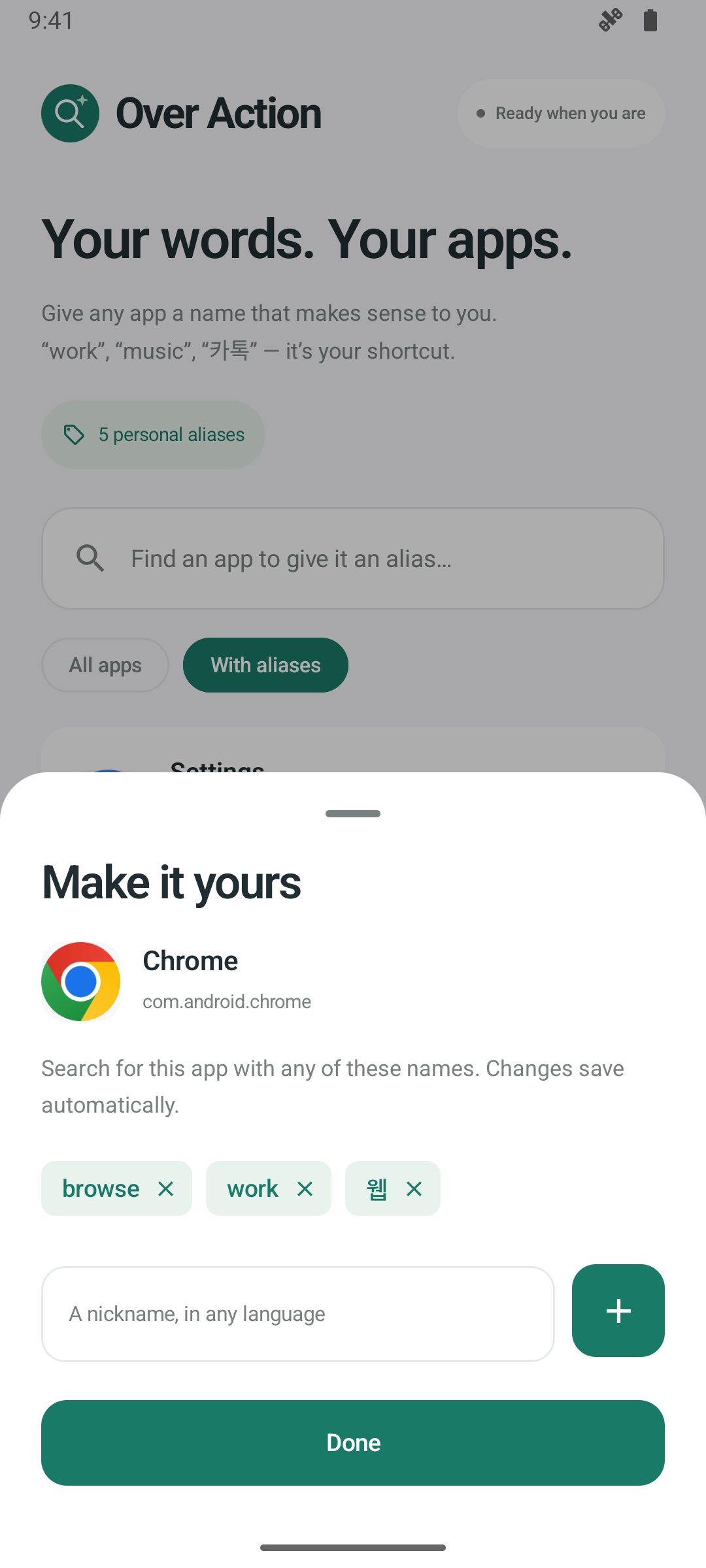 Your words. Your apps.
A name that makes sense to you
Give your apps the names you actually use. Add custom aliases in any language, and keep personal and work-profile apps separate.
Moving your setup? Export your aliases to a file and import them when you need them.
Ready when you are
Discover everything Over Action can do.
Explore features